AI Reply Assistant for Accurate Support
An AI reply assistant for support should do more than write polished responses. The right tool helps teams answer customer emails and chats faster, stay consistent, use approved business knowledge, and keep human control where accuracy matters most.
Plexvia Insight TeamUpdated Jun 15, 20268 min read
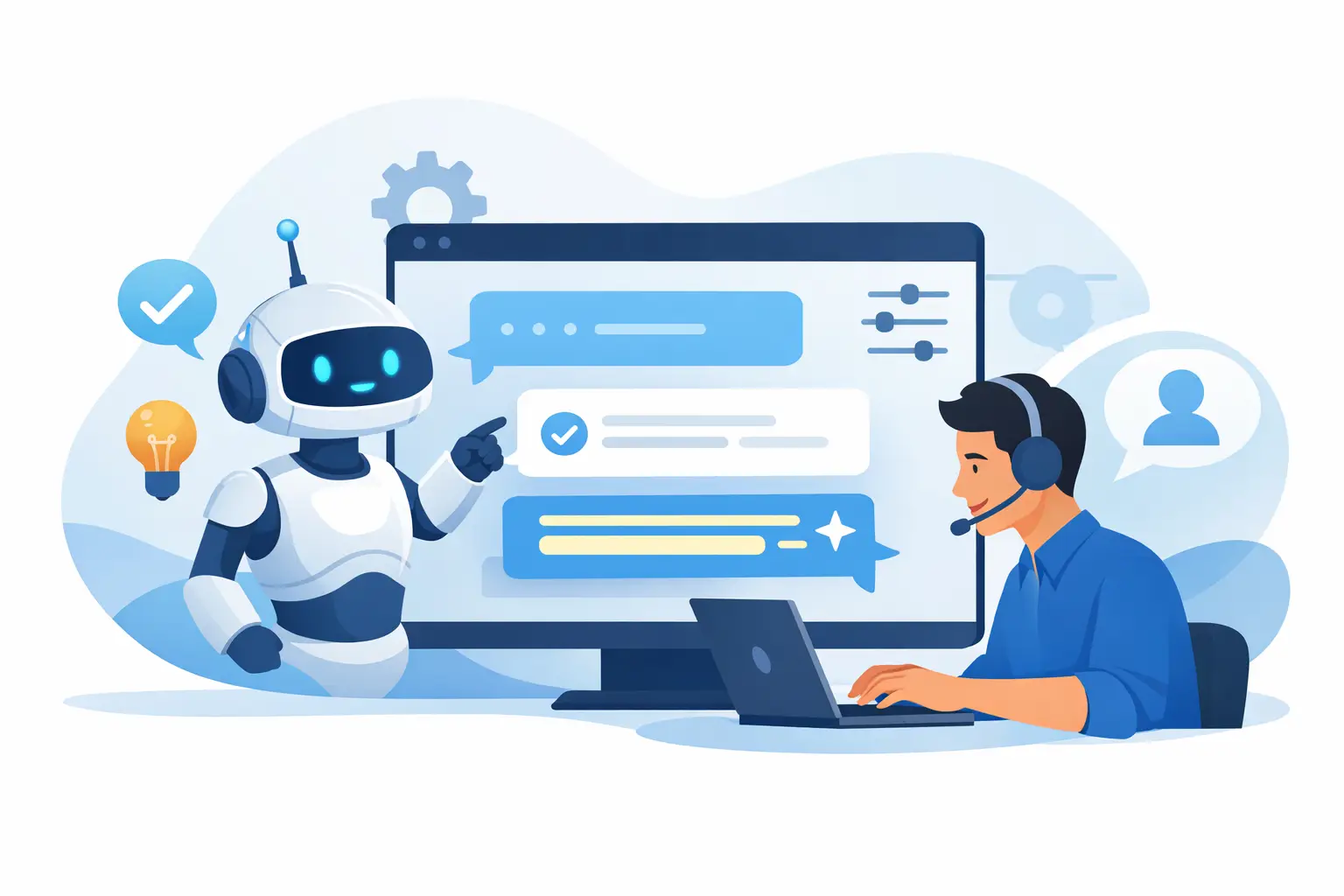
A customer emails about a refund, opens chat five minutes later to ask the same question, and your team now has two threads, two different reply styles, and one growing chance of saying the wrong thing. That is the real test for an ai reply assistant for support. It is not whether it can write polished sentences. It is whether it can help your team respond faster without creating new confusion, risk, or cleanup work.
For most support teams, the problem is not writing from scratch. The problem is volume, repetition, and inconsistency. The same shipping question gets answered three different ways. A front-desk employee knows the policy, but the newer teammate does not. A manager wants faster replies, but not at the cost of brand tone or accuracy. That is where an AI reply assistant earns its place - not by replacing people, but by reducing the drag around every response.
What an AI reply assistant for support should actually do
A good support assistant should draft replies using your business context, not just general language patterns. That means it should pull from approved knowledge, past policies, and current conversation details so the draft is relevant to the issue in front of the agent.
That sounds simple, but it changes everything. If a customer asks whether an item can be exchanged after 30 days, your team should not get a vague draft based on internet averages. They should get a suggested response based on your actual exchange window, your tone, and the right next step. If the answer depends on store location, service type, or order status, the system should reflect that too.
The best tools also understand that not every message deserves full automation. A quick sizing question might be safe for a suggested draft. A billing dispute, cancellation threat, or legal complaint probably needs a person to review every line before anything is sent. Support teams do not need more automation in the abstract. They need controlled automation that respects the stakes of the conversation.
Speed matters, but consistency matters more
Most teams start looking for AI because they want faster first replies. That is fair. Response time affects conversion, satisfaction, and workload. But speed on its own is not the hard part. Almost any AI tool can generate text quickly.
What is harder is staying consistent when multiple people are handling email and chat across a busy day. One teammate sounds warm and detailed. Another sounds abrupt. A third forgets to mention the policy exception that matters. Customers notice that inconsistency, especially when they contact you more than once.
An AI reply assistant for support helps by giving everyone a stronger starting point. Newer staff are less likely to miss key details. Experienced agents spend less time rewriting repetitive explanations. Managers get fewer surprises because replies are grounded in the same source material.
That does not mean every response should sound identical. Customers can tell when a business is using rigid scripts. The goal is not robotic uniformity. The goal is dependable quality. Your team should be able to personalize a response while staying inside the right boundaries.
Where support teams see the biggest gains
The biggest wins usually show up in the most repetitive parts of the day. Think shipping questions, store hours, appointment prep, return eligibility, subscription changes, warranty terms, or product fit questions. These are not trivial conversations, but they often follow known patterns. AI can cut the time it takes to answer them while still keeping the reply useful and specific.
The second big win is internal clarity. When support conversations live across inboxes, chat tools, sticky notes, and one manager's memory, drafting a good response takes too much hunting. A shared workspace with approved knowledge changes that. The assistant can only be as helpful as the information it has access to, so centralizing the right sources matters as much as the model itself.
There is also a less obvious gain: handoffs improve. If a front-line employee starts the conversation and a manager needs to step in, the next person should see the full context, the suggested reply, and any internal notes. AI works better when it supports the whole workflow, not just the sentence-writing part.
What to watch out for before you trust AI with customer replies
There is a difference between fluent writing and correct writing. Many teams discover this the hard way. A draft can sound confident while being wrong about policy, overpromising a resolution, or missing a sensitive cue from the customer.
That is why guardrails matter. If your support tool cannot clearly limit where AI gets its answers, you are asking for trouble. The same is true if it cannot separate low-risk messages from high-risk ones, or if it pushes teams toward auto-send before they are ready.
Another trade-off is tone. Generic AI often writes in a way that is technically polite but emotionally off. It may sound too formal for a local service business or too vague for a direct operational update. Support teams need drafts that reflect how they actually speak to customers.
Then there is visibility. If managers cannot tell what source informed a suggested reply, they will hesitate to trust it. And they should. Trust comes from traceability. Teams need to know whether a reply came from approved business knowledge or from a model filling in the blanks.
How to evaluate an AI reply assistant for support
Start with a simple question: does this tool help my team answer common questions correctly with less effort? Not in a demo environment. In your real workflow.
Test it against the messages you get every week. Refund requests. Delivery delays. Reschedule requests. Product availability. Membership pauses. Use the messy, ordinary conversations that actually fill your queue. Then look at more than writing quality.
Check whether the assistant uses your business rules. Check whether it can work across both email and website chat without losing context. Check whether teammates can collaborate on a draft, add internal notes, and escalate when needed. If you operate multiple locations, check whether the suggested reply reflects the right location-specific information instead of blending everything together.
You should also decide how much autonomy you want. Some teams only want suggested drafts. Others want AI to answer a narrow set of low-risk questions automatically. Neither approach is universally right. It depends on your volume, your tolerance for risk, and how standardized your policies are. The key is having that choice.
The best setup is human-led, not human-removed
For small teams especially, the promise of AI is not fewer people caring about customers. It is fewer hours lost to repetitive typing, scattered systems, and preventable mistakes. That is a very different goal from full replacement.
Human review is still essential in emotionally charged, high-value, or policy-sensitive cases. A customer upset about an incorrect charge does not just need a fast reply. They need a correct one, written with judgment. AI can prepare the draft, surface the relevant policy, and save time. The person still decides what gets sent.
This is where platforms like Plexvia are strongest when they combine AI drafting with a unified inbox, approved knowledge, collaboration tools, and routing controls. The result is not just faster writing. It is a calmer support operation.
Why this matters more as your business grows
A small team can survive for a while on shared habits and memory. Growth breaks that system. More channels create more duplication. More staff create more variation in replies. More locations create more exceptions. Suddenly the old way of answering customers becomes expensive, even if no one calls it that.
An AI reply assistant helps standardize the parts of support that should be standardized, while leaving room for people to handle nuance. That balance matters. If you over-automate, you risk errors and customer frustration. If you avoid automation entirely, your team spends too much time rewriting the same answers and chasing context.
The right support setup gives your team a reliable draft, the right source material, and clear control over what happens next. That is what makes AI useful in customer communication. Not novelty. Not flashy outputs. Just fewer dropped details, faster replies, and more confidence every time a message comes in.
If your team is already juggling email, chat, policy questions, and handoffs, the best next step is not to ask whether AI can write. It can. The better question is whether it can help your people reply with more accuracy, more consistency, and less daily friction.


