AI Chatbot Trained on Documents: What Works
An AI chatbot trained on documents helps support teams answer customer questions using approved business knowledge instead of guesswork. Learn how document-based AI improves response speed, consistency, and accuracy while keeping people in control of customer conversations.
Plexvia Insight Team8 min read
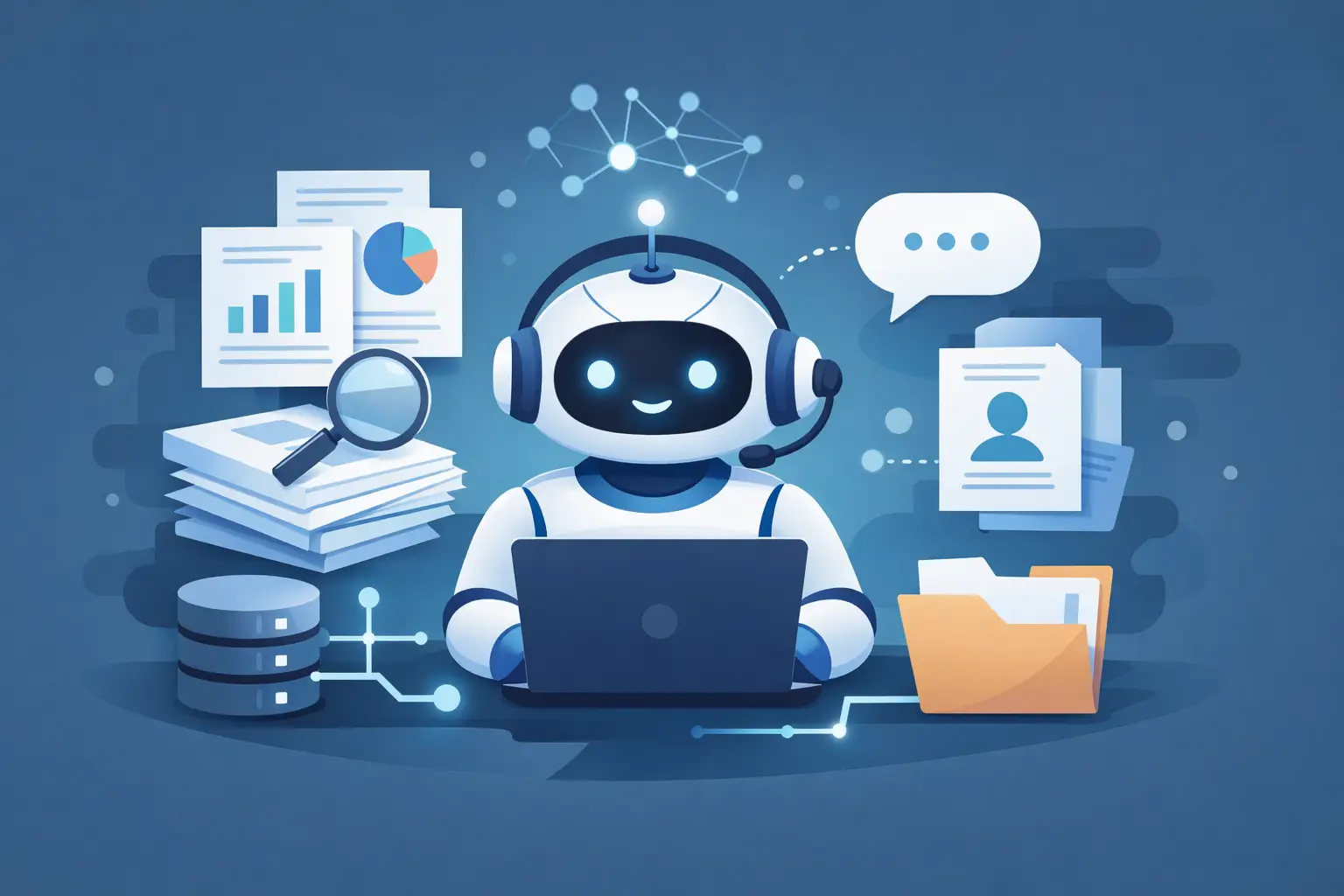
When a customer asks whether an item can be exchanged after 30 days, your team should not have to guess, search three folders, or give slightly different answers depending on who replies. That is where an ai chatbot trained on documents starts to matter. Not as a novelty, but as a practical way to turn your approved policies, help content, and internal guidance into faster, more consistent customer responses.
For small support teams and front-desk staff, the issue usually is not a lack of effort. It is fragmented information. Refund rules live in one file, shipping exceptions in another, and location-specific details sit in someone’s inbox or in a shared drive nobody wants to clean up. Meanwhile, customers expect quick answers across website chat and email. The pressure is real, and it grows fast when the same questions keep coming in.
An AI chatbot trained on your documents can help, but only when it is set up with the right expectations. The goal is not to let a bot improvise. The goal is to give your team a system that can read from approved business knowledge, respond within clear rules, and know when a person should take over.
What an AI chatbot trained on documents actually does
At a basic level, this type of chatbot uses your business documents as the source for answers. Those documents might include FAQs, return policies, appointment instructions, product details, service guides, billing explanations, or internal process notes. Instead of answering from general internet knowledge, the chatbot answers from the material you provide.
That difference matters more than it sounds. A general-purpose chatbot may produce a polished reply, but if it is not grounded in your actual policies, it can still be wrong. It might sound confident while giving a return window you do not offer or describing a service process your team does not follow. For customer support, that is not a minor issue. It creates more work, more follow-up, and less trust.
A document-trained chatbot is useful because it narrows the answer space. It is not trying to know everything. It is trying to answer your customer correctly, based on what your business has approved.
Why teams choose a document-trained chatbot
Most teams are not shopping for AI because they want more technology in the stack. They want fewer repeated tasks and fewer preventable mistakes. A good ai chatbot trained on documents helps with both.
Speed is usually the first benefit people notice. Common questions about hours, cancellations, sizing, order status policies, or billing terms can be answered quickly without making an employee stop what they are doing to search for the right wording. That speed matters on website chat, where even a short delay can feel like no response at all.
Consistency is the second benefit, and for many businesses it is the more important one. If one staff member says a late fee can be waived and another says it cannot, the issue is not just confusion. It is a customer experience problem and sometimes a revenue problem. Document-based AI helps keep answers aligned with the same approved source.
There is also a workflow benefit that often gets overlooked. When AI handles routine questions or drafts replies from approved knowledge, your team has more time for the cases that need judgment - angry customers, unusual requests, sensitive billing issues, or anything tied to exceptions. That is where people add the most value.
What makes the setup work in real support environments
The quality of the documents matters as much as the quality of the AI. If your source material is outdated, vague, or contradictory, the chatbot will reflect that confusion. Businesses sometimes expect AI to fix messy knowledge, but it usually exposes the mess instead.
Clear, current documents work best. That means policies written in plain English, location-specific details separated where needed, and internal notes reviewed before they become answer sources. A chatbot can handle variation, but it still needs a reliable foundation.
It also helps to think in scenarios, not just files. Instead of asking, “What documents can we upload?” ask, “What questions do customers repeatedly ask, and where is the approved answer?” That shift keeps the project grounded in day-to-day work. A dental office may need insurance and cancellation guidance. A retail team may need exchanges, sizing, and shipping rules. A home service business may need service area, booking windows, and payment expectations.
Good setup also includes boundaries. Not every topic should be answered automatically. If a customer mentions a charge dispute, a legal threat, account-specific confusion, or a complaint that is escalating, the system should route to a person. Controlled automation works better than broad automation because it respects where accuracy and tone matter most.
Where an AI chatbot trained on documents can go wrong
The biggest mistake is treating AI like a replacement for support judgment. If the chatbot is allowed to answer everything, it will eventually answer something it should not. That does not mean the tool failed. It means the rules were too loose.
Another common problem is using documents without context. A policy PDF may say one thing generally, while an internal note explains an exception for VIP customers, local regulations, or seasonal promotions. If the chatbot has one source but not the other, the answer can be technically grounded and still operationally wrong.
There is also the issue of tone. A correct answer can still feel cold, abrupt, or off-brand if no one has guided the style of the response. Businesses that care about professionalism should not separate accuracy from communication quality. Customers notice both.
And then there is visibility. If your team cannot see what source the chatbot used, review the draft before sending, or step in when needed, trust in the system drops quickly. People do not want to supervise a black box while being held responsible for the outcome.
What to look for beyond the chatbot itself
The chatbot matters, but the surrounding workflow matters more. If customer conversations still live in separate tools, teams lose the operational benefit. A fast answer in chat does not help much if the follow-up sits in email with no context, no shared history, and no internal notes.
That is why businesses often get better results from a platform approach rather than a standalone bot. The useful version is not just AI that reads documents. It is AI that works inside the same place your team handles conversations, collaborates internally, and manages approved knowledge.
In practice, that means a customer asks a question on the website, the AI responds from documented policy, the team can review or edit if needed, and a more complex issue gets handed to the right person with the conversation history intact. If an email comes in later from the same customer, the context is still there. That continuity reduces repeated work and avoids mixed messages.
This is where a platform like Plexvia fits naturally for teams that want AI to be helpful without becoming hard to control. The value is not just that answers can be drafted from company documents. It is that those answers can live inside a shared workspace with routing, private notes, role-based access, and clear human oversight.
How to judge whether it is working
The simplest test is whether your team spends less time answering the same questions while customers still get accurate replies. If speed goes up but corrections and escalations also go up, the system needs adjustment.
Look at a few practical signals. Are common policy questions being answered consistently? Are staff members editing AI drafts heavily, or only making light adjustments? Are fewer conversations getting stuck because someone had to hunt for the right document? Are sensitive cases reaching people sooner instead of after a confusing bot exchange?
It also helps to listen for softer signs. Teams trust a system when it reduces mental load. If staff feel calmer because the first draft is already grounded in policy, that matters. If managers see fewer avoidable mistakes and better visibility across channels, that matters too.
The best result is not full automation. It is reliable assistance. Your team stays in control, customers get faster answers, and the business stops depending on whoever happens to remember the policy from last week.
If you are considering an AI chatbot trained on documents, start with the questions your team answers every day and the sources you already trust. Keep the scope practical, keep people in the loop, and let accuracy set the pace. That is usually where AI becomes genuinely useful - not when it tries to do everything, but when it helps your team do the important work with less friction.


