Best Support Software for Multi Location Business
Learn what multi-location businesses should look for in support software, from unified inboxes and approved knowledge to clear escalation, permissions, and AI-assisted replies.
Plexvia Insight Team8 min read
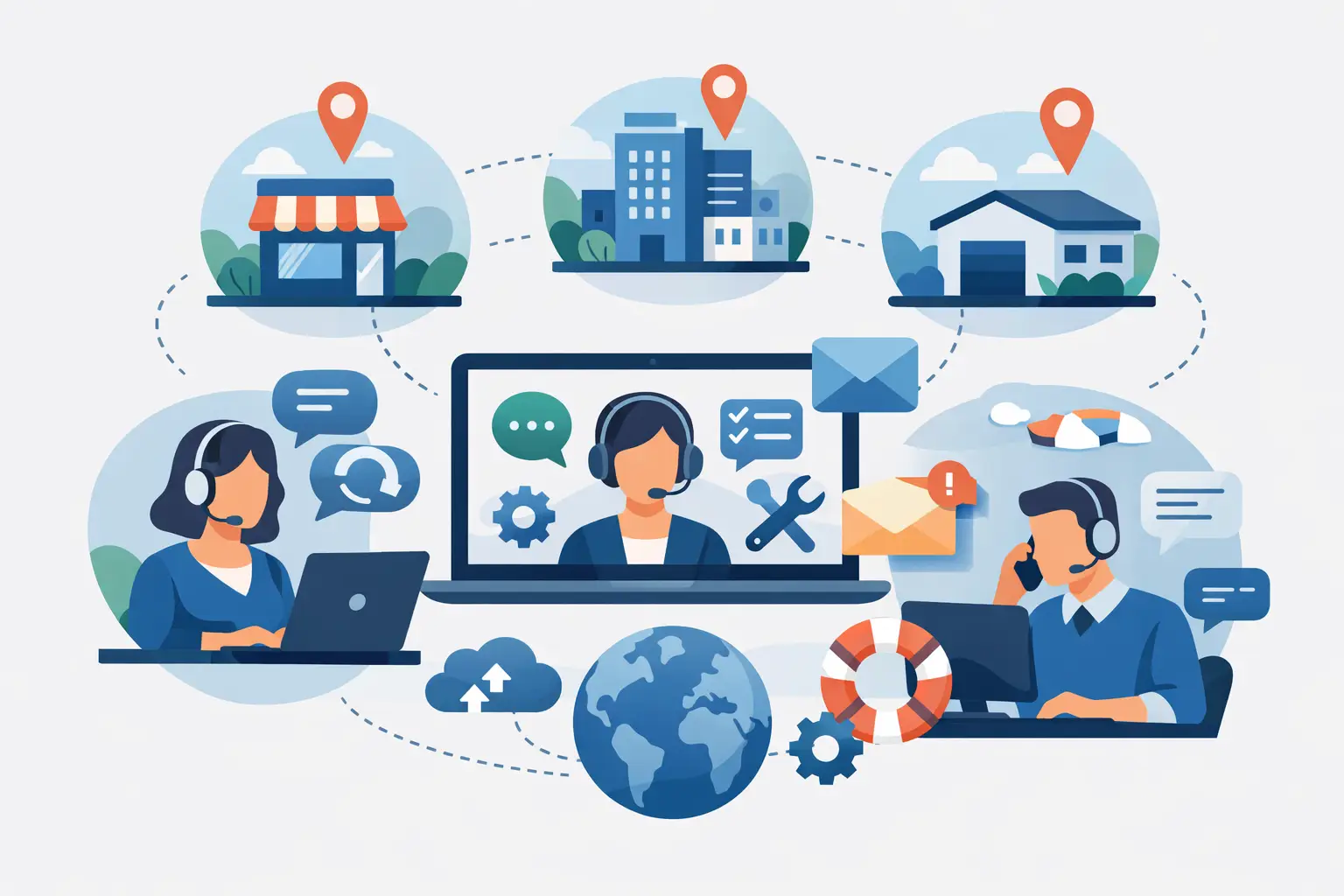
When a customer asks one location about billing, another about hours, and a third about a service issue, the real problem is rarely the question itself. It’s the fact that answers live in different inboxes, different people’s heads, and different habits across the business. That’s why choosing support software for multi location business operations is less about adding another tool and more about creating one reliable system for how customer conversations get handled.
For multi-location teams, support pressure builds quietly. A front desk manager replies from a personal email account. A regional lead jumps into a complaint because nobody else can see the thread. Website chat goes unanswered at one branch while another over-responds with the wrong policy. None of this looks dramatic in isolation, but over time it creates slow replies, inconsistent answers, and avoidable friction for both staff and customers.
The right software should reduce that chaos without forcing every location to work the exact same way. That trade-off matters. Standardization is useful, but only if local teams can still handle the exceptions that make their location different.
What support software for multi location business teams needs to solve
A single-location business can sometimes get by with shared passwords, a general inbox, and a few internal notes. A multi-location business usually cannot. Once multiple teams are handling customer communication, you need visibility, accountability, and clear rules for who should answer what.
That starts with one shared place for customer messages. If email lives in one system and website chat lives in another, your team loses context immediately. A customer who asks about an appointment on chat and follows up by email should not feel like they are starting over. Shared conversation history matters because it cuts repeat work and helps every location respond with confidence.
Consistency is the second requirement. This is where many businesses feel the pain first. One location offers a refund. Another says store credit only. One team gives accurate prep instructions. Another improvises. Customers do not care which branch made the mistake. They see one brand.
The third issue is control. Multi-location support is rarely just about speed. It is about knowing when a local team can answer on its own and when something needs escalation to a manager, operations lead, or specialist. Good software should make those handoffs clear instead of relying on memory, side texts, or someone noticing a message too late.
The features that actually matter
There are plenty of support platforms with long feature lists. For multi-location businesses, a shorter list of well-used features usually matters more than a broad set nobody adopts.
Unified inboxes with location-level visibility
Every customer conversation should be accessible in one workspace, with the ability to separate by location, team, or issue type. That gives local staff focus while still letting leadership spot patterns across the business.
This is one of the biggest operational differences between basic inbox tools and support software designed for growing teams. You need both local ownership and central oversight. If a location manager can only see their own messages, they lack context. If headquarters sees everything but local teams cannot work efficiently, bottlenecks form.
Knowledge management that uses approved answers
A knowledge base is only helpful if people trust it and can use it quickly. In practice, that means storing approved answers for common questions like pricing, booking rules, returns, service limitations, and location-specific policies.
It also means accepting that not every answer should be universal. Some businesses need company-wide policies with location-specific exceptions. The software should support both. Otherwise, teams either ignore the knowledge base or start creating unofficial versions in docs, chat threads, and notebooks.
AI that supports judgment instead of replacing it
This is where a lot of software gets overhyped. Multi-location businesses do not usually need AI that runs wild. They need AI that can draft replies from approved company information, suggest consistent responses, and help staff move faster without guessing.
That distinction matters. If the AI pulls from your real business knowledge and respects permissions, it can help a front desk team answer repetitive questions accurately. If it generates answers without clear source control, it creates a new category of risk.
For many teams, the safest model is gradual adoption. Start with AI-assisted drafts and internal help. Then automate more once the knowledge base is strong and approval rules are clear. That tends to build trust faster than trying to automate everything from day one.
Escalation and internal notes
Sensitive conversations should not bounce around informally. Billing disputes, service complaints, and exceptions to policy need a clear path. Support software should let staff leave internal notes, flag priority issues, and route conversations to the right people without exposing internal context to the customer.
This is especially useful when multiple locations share a central operations or support function. A local team can collect context, add notes, and escalate cleanly instead of forwarding messy email chains.
Roles and permissions
Not everyone should have the same access. That is true for customer data, internal notes, approvals, and AI behavior. A good system lets you define what each team member can view, edit, approve, or automate.
This tends to matter more as businesses grow. What works for three locations with one owner often breaks at ten locations with managers, front-desk staff, and a regional support lead. Permission control keeps the system usable without creating unnecessary risk.
What to look for in real workflows
The easiest way to evaluate software is to stop thinking about features in the abstract and test real situations.
Imagine a customer emails Location A asking whether a membership includes family access. The same customer later opens website chat asking if they can use the membership at Location B. If those conversations stay separated, staff may answer differently or miss the relationship between them. Good software should show the full history and guide the team to the approved answer.
Or take a service business with recurring billing questions. One branch gets a cancellation request, but the account details sit with a central admin team. The best workflow is not forcing the customer to resend everything. It is letting the location team acknowledge the message, add internal context, and escalate with a clear record attached.
Another common example is location-specific information. A customer asks about holiday hours, parking, or service availability at one branch. You want staff and AI to answer quickly using the right local details, not a generic company response that sounds polished but wrong.
These are not edge cases. They are normal, daily support moments. If software handles them well, your team feels the difference almost immediately.
Common mistakes when choosing a platform
One mistake is buying for ticket volume alone. Multi-location businesses often need communication clarity more than advanced enterprise reporting. If the tool is built for large call centers but your team mostly works across email and website chat, it may add process without solving the real issue.
Another mistake is choosing software that centralizes too aggressively. Some businesses try to force every customer message through one corporate team. That can improve consistency, but it may also slow down local replies and remove context that only the branch team knows. Often the better model is shared standards with local execution and defined escalation.
A third mistake is treating knowledge as a side project. The software will only be as accurate as the information behind it. If policies are outdated, location details are missing, or exceptions are unclear, neither staff nor AI can respond well. Support quality and knowledge quality are tied together.
A practical standard for making the decision
If you are comparing options, ask a simple question: will this make it easier for every location to reply quickly and correctly without losing control?
That means one workspace for conversations, approved knowledge that reflects how your business actually works, clear handoffs, and AI that helps with repetitive work while staying grounded in real sources. It also means being honest about readiness. Some teams are ready for customer-facing automation. Others should begin with draft assistance and internal support.
Platforms like Plexvia are built around that more controlled model, where teams can bring email, website chat, collaboration, and knowledge into one place and let AI work from approved company sources. For multi-location businesses, that approach tends to be more practical than flashy automation with loose guardrails.
The best support software does not just help customers get answers. It helps your team stop improvising. And when each location can work faster with the same standards, support starts to feel less like damage control and more like part of how the business runs well.


