AI Support With Guardrails That Works
AI support with guardrails helps businesses automate customer service without sacrificing accuracy, consistency, or control. Learn how source-backed answers, approval workflows, permissions, and escalation rules create safer, more reliable AI-powered support.
Plexvia Insight Team8 min read
A customer asks for a refund at 8:12 PM. Another wants to change an appointment. A third is asking whether a product is covered under warranty. The pressure is not just to answer fast. It is to answer correctly, consistently, and in a way your team can stand behind. That is where ai support with guardrails starts to matter.
For most businesses, the problem is not whether AI can write a response. It can. The real question is whether it can respond using your rules, your approved information, and your level of caution. If it cannot, then speed becomes expensive. One wrong answer about pricing, policy, availability, or eligibility can create more work than it saves.
That is why guardrails should not be treated like an extra feature. They are the difference between AI that helps your team and AI that creates cleanup.
What ai support with guardrails actually means
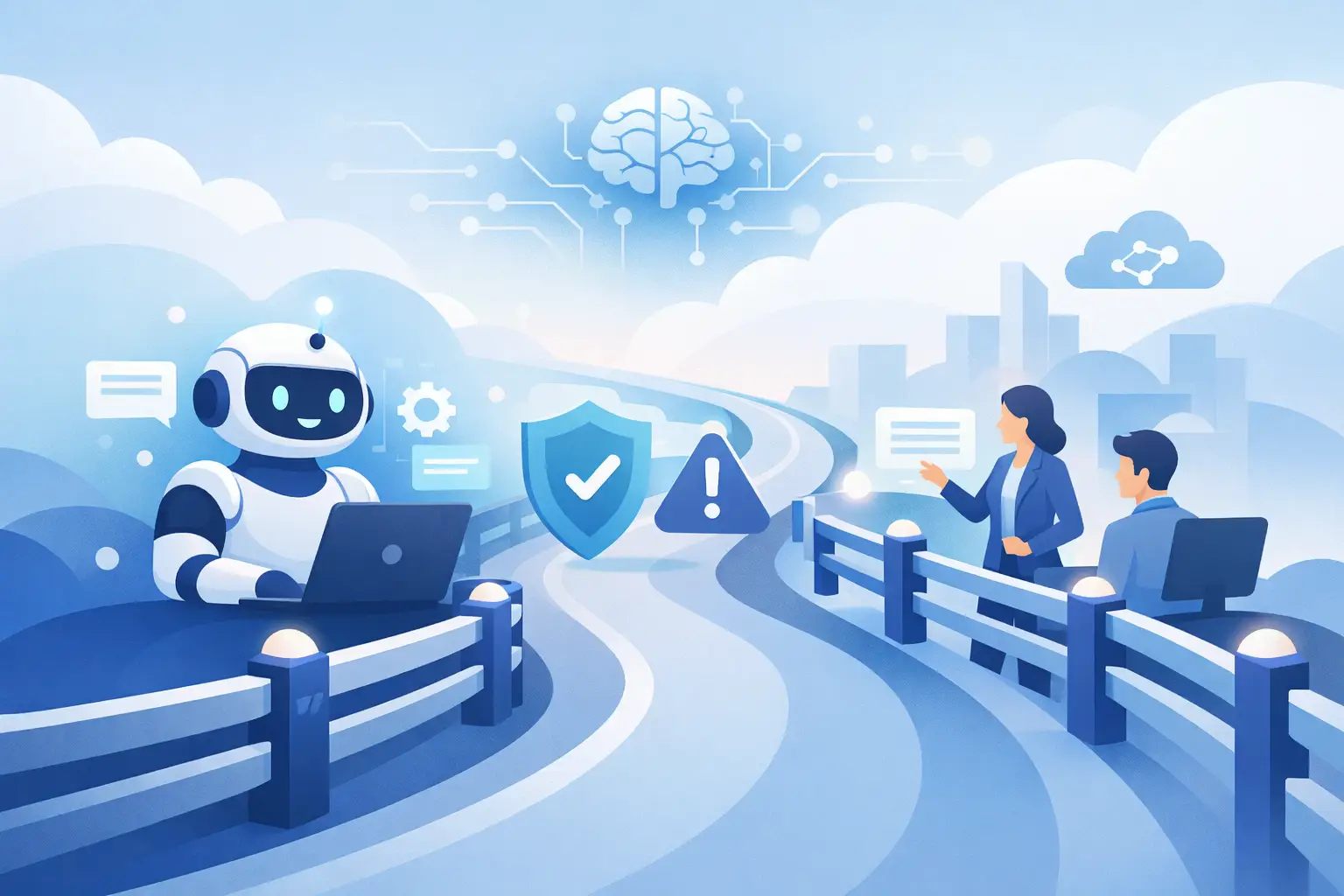
AI support with guardrails means the system is guided by clear limits before it drafts, suggests, or sends anything to a customer. Those limits can include approved knowledge sources, tone rules, escalation conditions, permissions, and confidence thresholds.
In practical terms, this means the AI is not pulling answers from general internet logic or making its best guess. It is working from the material your business trusts, such as help articles, internal procedures, pricing details, service policies, and past approved answers. If the answer is unclear or the situation is sensitive, it should slow down, ask for human review, or hand the conversation to the right person.
That last part matters. Good guardrails do not just tell AI what it can say. They tell it when not to say anything on its own.
Why speed without control backfires
A lot of support teams are tempted by pure automation because the volume is real. Emails pile up. Chat requests interrupt other work. Front-desk staff are already juggling phones, walk-ins, scheduling, and internal follow-up. Fast help sounds like relief.
But uncontrolled automation has a pattern. It answers simple questions well enough, then stumbles on the edge cases that actually affect customer trust. A return request gets treated like a standard shipping question. A billing complaint receives a cheerful but incomplete reply. A medical, legal, or safety-related question gets an answer that should never have gone out without review.
When that happens, your team loses confidence in the tool. They start double-checking everything, which defeats the point. Or worse, they stop noticing where the AI is weak and let risky replies slip through.
Guardrails reduce that risk by creating a clear operating boundary. The AI can help where the rules are clear, and it can pause where judgment is required.
The guardrails that matter most
Not every business needs the same level of control, but a few guardrails matter almost everywhere.
The first is source-backed answers. If an AI reply cannot be tied to approved business knowledge, it should not present itself as fact. This is especially important for pricing, policies, appointment rules, product details, and service coverage.
The second is role-based permissions. A draft for a front-desk coordinator may be useful, but final approval for a refund exception or a complaint escalation may belong to a manager. AI should respect that structure instead of flattening it.
The third is escalation logic. Some conversations should move to a person immediately. That might include billing disputes, cancellation threats, urgent complaints, legal concerns, or any message with emotional heat. Fast routing is often more valuable than fast auto-replies.
The fourth is autonomy settings. Not every channel or message type should be treated the same. You may be comfortable letting AI answer common website chat questions about hours, location, or availability. You may want email replies to remain draft-only until a human approves them. Good systems let you decide where AI acts independently and where it supports from the sidelines.
How this looks in real support workflows
Consider a multi-location service business. A customer opens website chat and asks whether same-day appointments are available. That is a strong use case for AI, but only if the answer is grounded in each location's rules and availability approach. With guardrails, the AI can respond based on the correct location, offer the approved next step, and avoid promising anything outside policy.
Now compare that with a customer email that says, "I was charged twice and no one has fixed this." That is not a place for cheerful automation. A guarded AI system can identify the issue type, surface the right internal notes or billing process, draft a calm acknowledgment, and route it to the right person for review before anything is sent.
The value is not just in drafting words. It is in separating routine questions from sensitive ones without making your team sort every message manually.
This is also where shared context becomes important. If your email, website chat, notes, and knowledge live in separate systems, AI has a fragmented view of the conversation. It may answer a question without seeing the last interaction, the customer history, or the internal note about a pending issue. A unified workspace makes guardrails more effective because the AI has better context and the team has clearer visibility.
What to watch for when evaluating AI support with guardrails
A lot of tools claim control, but the details matter. If you are evaluating platforms, ask practical questions.
Can the AI answer only from approved knowledge, or can it improvise freely? Can you define when a message must be reviewed by a person? Can different team members have different permissions? Can the system route conversations by topic, urgency, or location? Can it keep private notes and customer-facing messages separate?
You should also ask how the system handles uncertainty. A trustworthy AI support setup does not pretend to know everything. It should be able to say, in effect, "I need a human here," instead of guessing.
This is one reason businesses choose platforms like Plexvia. The appeal is not abstract AI capability. It is controlled automation inside the actual flow of customer work, where teams need faster replies but cannot afford loose answers.
The trade-off: more control can mean more setup
There is an honest trade-off here. AI support with guardrails usually takes more upfront setup than a generic chatbot. You need to organize your knowledge, define approval rules, decide what should escalate, and be clear about who can do what.
That work is worth it, but it is still work.
The good news is that the payoff tends to be operational, not theoretical. When your rules are clear, your team spends less time rewriting bad drafts, correcting inconsistent answers, and chasing context across tools. You also get a cleaner path to scale. Instead of hiring just to keep up with repetitive questions, you can let AI handle the predictable volume while your people focus on exceptions, empathy, and judgment.
It also improves consistency across locations and shifts. If one employee answers a fitting question one way and another answers it differently the next day, customers notice. Guardrails help standardize the approved answer while still letting staff step in when nuance is needed.
Where businesses should start
The best place to start is not with full automation. It is with one narrow, high-volume use case.
Maybe that is answering common pre-sale questions on website chat. Maybe it is drafting replies for routine email questions about hours, appointment prep, shipping timelines, or basic policy questions. Choose the category where your team repeats the same answer often and where the risk of getting it wrong is low.
Then define the boundaries. What sources can the AI use? What topics should trigger escalation? Which replies can be sent automatically, and which should remain drafts? Who reviews edge cases? That small amount of operational clarity makes the system far more dependable.
From there, expand slowly. Add more knowledge. Tighten routing. Review where the AI performs well and where it still needs human backup. The goal is not maximum automation. The goal is reliable support that your team actually trusts.
That trust is the part many businesses miss. If your staff do not believe the AI is grounded, they will treat it like a liability. If they know it follows approved knowledge, respects permissions, and escalates when needed, they are far more likely to use it well.
AI should reduce pressure, not add a new layer of uncertainty. When guardrails are built into the workflow, support becomes faster without getting sloppy, more consistent without sounding robotic, and easier to manage without taking people out of the loop. That is the version of AI most customer-facing teams have been waiting for.


