How to Automate Customer Inquiries Safely
Learn how to automate customer inquiries safely with approved knowledge, clear guardrails, human oversight, and smart handoffs, so your team can respond faster without losing trust or control.
Plexvia Insight Team8 min read
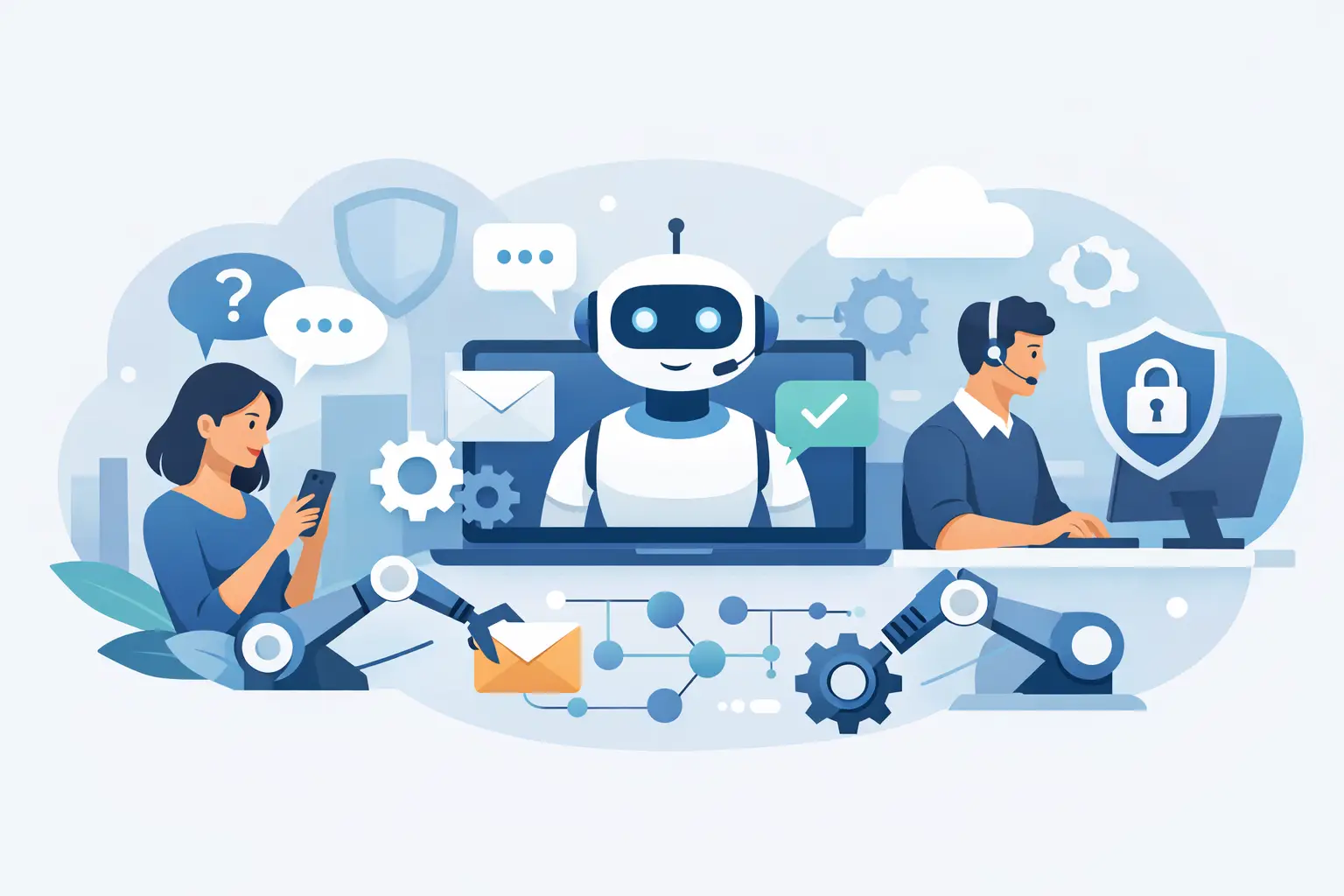
A missed billing email at 4:45 PM can turn into a cancellation request by 8:00. A vague website chat reply about pricing can send a high-intent customer to a competitor before your team opens the inbox the next morning. That is why more businesses want to automate customer inquiries safely - not just faster, but in a way that protects trust, accuracy, and control.
For most teams, the real problem is not volume alone. It is the mix of repetitive questions, scattered channels, inconsistent answers, and limited staff time. Automation can help, but only if it knows where to answer, when to stay quiet, and when to bring in a person. Safe automation is less about replacing the team and more about building a system your team can rely on during a busy day.
What safe automation actually means
Safe automation does not mean turning on AI and hoping it gets things right. It means creating clear boundaries around what the system can say, which sources it can use, and which conversations need human review.
In practice, that usually comes down to three things. First, answers should come from approved business knowledge, not guesswork. Second, the system should follow rules around tone, permissions, and escalation. Third, your team should be able to see what happened, step in quickly, and stay accountable for final outcomes.
That matters because customer inquiries are not all equal. A store-hours question is low risk. A refund dispute, appointment problem, or complaint about a medical, legal, or financial issue is different. If your automation treats every message the same, it creates more work than it saves.
Where teams get into trouble
Businesses rarely run into issues because they wanted to move too fast. More often, they run into trouble because the setup was too loose.
One common mistake is letting AI answer from general web knowledge or incomplete internal notes. That is how customers get confident but wrong replies. Another is automating without channel awareness. Website chat may need immediate answers, while email may need more context, approval, or coordination across departments.
There is also the oversight gap. If a team cannot review drafts, track edits, or understand why a reply was suggested, trust breaks down quickly. Staff stop using the tool, or worse, they assume it is right when it is not.
Then there is the handoff problem. Some inquiries should never be fully automated. Think payment issues, custom quotes, cancellations, sensitive complaints, or anything involving exceptions to policy. If the system cannot recognize those moments and escalate cleanly, customers feel stuck in a loop.
How to automate customer inquiries safely in the real world
The safest starting point is not full autonomy. It is assisted automation.
Begin with AI-drafted replies for the questions your team answers every day: hours, availability, shipping windows, booking steps, basic returns, service areas, or product fit questions with standard rules. These are high-volume, lower-risk interactions where consistency matters and approved language already exists.
In this model, the AI prepares a response from your approved sources, and a person reviews it before sending. That one step does two things at once. It saves time on repetitive writing, and it gives your team a live way to train the system by approving, editing, or rejecting drafts.
Once that is working, you can expand automation selectively. Website chat is often the next place because customers expect quick replies there. But even then, the right setup is narrow at first. Let automation handle common questions it can answer clearly from your knowledge base. Route edge cases, emotional complaints, and policy exceptions to a person.
This is where guardrails matter more than ambition. A safe system should know the difference between answering, asking a clarifying question, and escalating.
Build automation on approved knowledge
If you want accurate responses, start with the source material.
Your automation should pull from the information your business has actually approved: pricing policies, service rules, shipping timelines, location details, FAQs, internal procedures, and product guidance. If that information is outdated, scattered, or contradictory, automation will expose the problem fast.
This is why safe automation often improves operations beyond customer service. It forces the team to clean up what is official. Which return policy is current? Which booking exception is allowed? Which answer should every location use? Once those decisions are documented, the AI can draft replies that match your business instead of inventing one.
Source-backed answers are especially important for multi-location teams. A customer asking about store availability in Dallas should not get a generic policy that belongs to Phoenix. Automation needs the right knowledge and the right context.
Set rules for risk, not just speed
Not every inquiry should move through the same workflow. The safest systems separate low-risk, medium-risk, and high-risk conversations.
Low-risk inquiries are repetitive and factual. They are usually good candidates for automation or instant chat responses. Medium-risk inquiries may need a draft plus review, especially if they involve order changes, billing explanations, or customer frustration. High-risk inquiries should trigger a handoff immediately, with the right internal notes and context attached.
A good rule is simple: if the message could affect revenue, compliance, reputation, or customer trust in a lasting way, put a person in the loop.
This is also where permissions matter. Not every employee should have the same authority to approve replies, edit knowledge, or handle escalations. Safe automation works better when roles are clear. Front-desk staff may review routine answers. Managers may approve exceptions. Specialists may take over technical or sensitive cases.
Use automation to reduce chaos, not hide it
The best automation does not make conversations disappear into a black box. It makes the work more visible.
Your team should be able to see which inquiries were answered automatically, which were drafted by AI, which sources were used, and where handoffs happened. That visibility helps with quality control, coaching, and accountability. It also makes it easier to spot recurring issues, like unclear policies or missing knowledge.
For example, if the same billing question keeps getting escalated, the problem may not be the automation. The problem may be that your billing explanation is too vague. If fitting questions always require edits before sending, your knowledge may need better product detail. Safe automation gives you those signals early.
That is one reason platforms like Plexvia focus on shared workspaces, approved knowledge, and human oversight instead of all-or-nothing AI. For small teams, control is not a luxury feature. It is the difference between saving time and creating new cleanup work.
A practical rollout that teams can trust
If your team is cautious about AI, that is usually a good sign. It means they care about customer experience.
Start with one channel and one narrow set of use cases. Email drafts for common questions is often the easiest entry point. Measure edit rates, response time, and escalation patterns for a few weeks. Then refine your knowledge and rules before expanding.
After that, add website chat for well-defined inquiries. Keep sensitive categories out of scope at first. Make escalation obvious for customers and easy for staff. No one should have to fight a bot to reach a person.
Most importantly, tell your team what the system is for. It is there to reduce repetitive work, speed up routine replies, and help everyone answer from the same approved information. It is not there to override judgment. When people understand that, adoption tends to improve.
What “safe” looks like over time
As your setup improves, you can increase automation without losing control. But the path should be earned.
If drafts are consistently accurate, some categories may move to auto-send. If chat responses are reliable, coverage hours may expand. If escalations are being routed correctly, managers can spend less time policing replies and more time improving operations.
Still, there is no prize for automating the highest percentage of conversations. The goal is a customer experience that feels fast, consistent, and trustworthy. Sometimes that means instant AI help. Sometimes it means a confident draft for your staff. Sometimes it means a quick handoff to the right human with all the context ready.
That balance is what makes automation useful in real businesses. When you automate customer inquiries safely, you are not handing service over to a machine. You are giving your team a better system for answering well, staying consistent, and keeping control when it matters most.
The smartest next step is usually not bigger automation. It is cleaner knowledge, clearer rules, and one workflow your team can trust on a busy Tuesday afternoon.


